

Free
Begin capturing, transcribing and summarizing at no cost.
$0
No card required
- Record, scan and upload
- Transcripts and summaries
- On your Apple devices
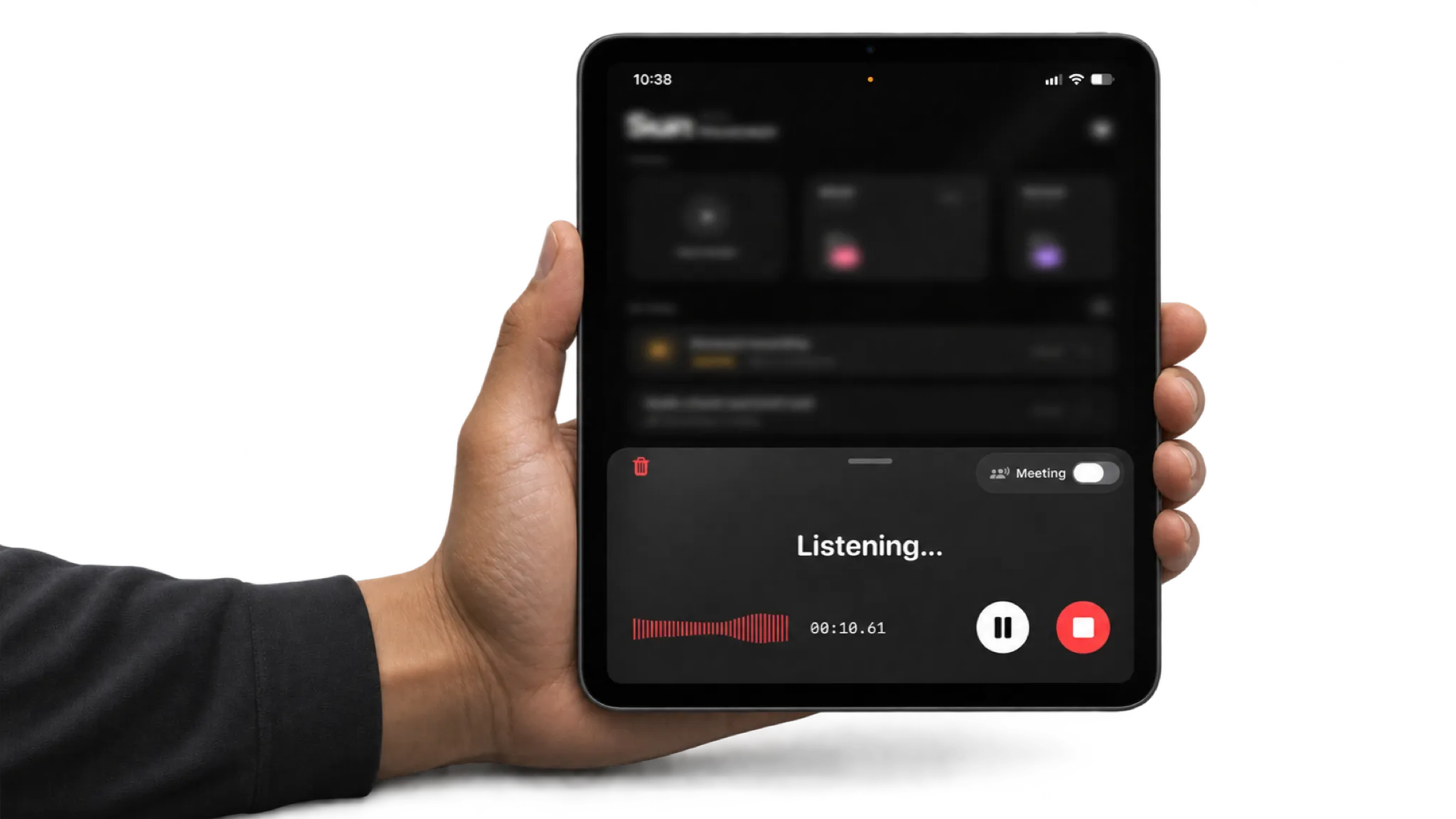
Loominote records your meetings, writes the summary, pulls out every action item, schedules the tasks and drafts the reply. Built for busy professionals on iPhone, iPad and Apple Watch — with voice notes, PDFs and more along for the ride.
4.989 ratings on the App Store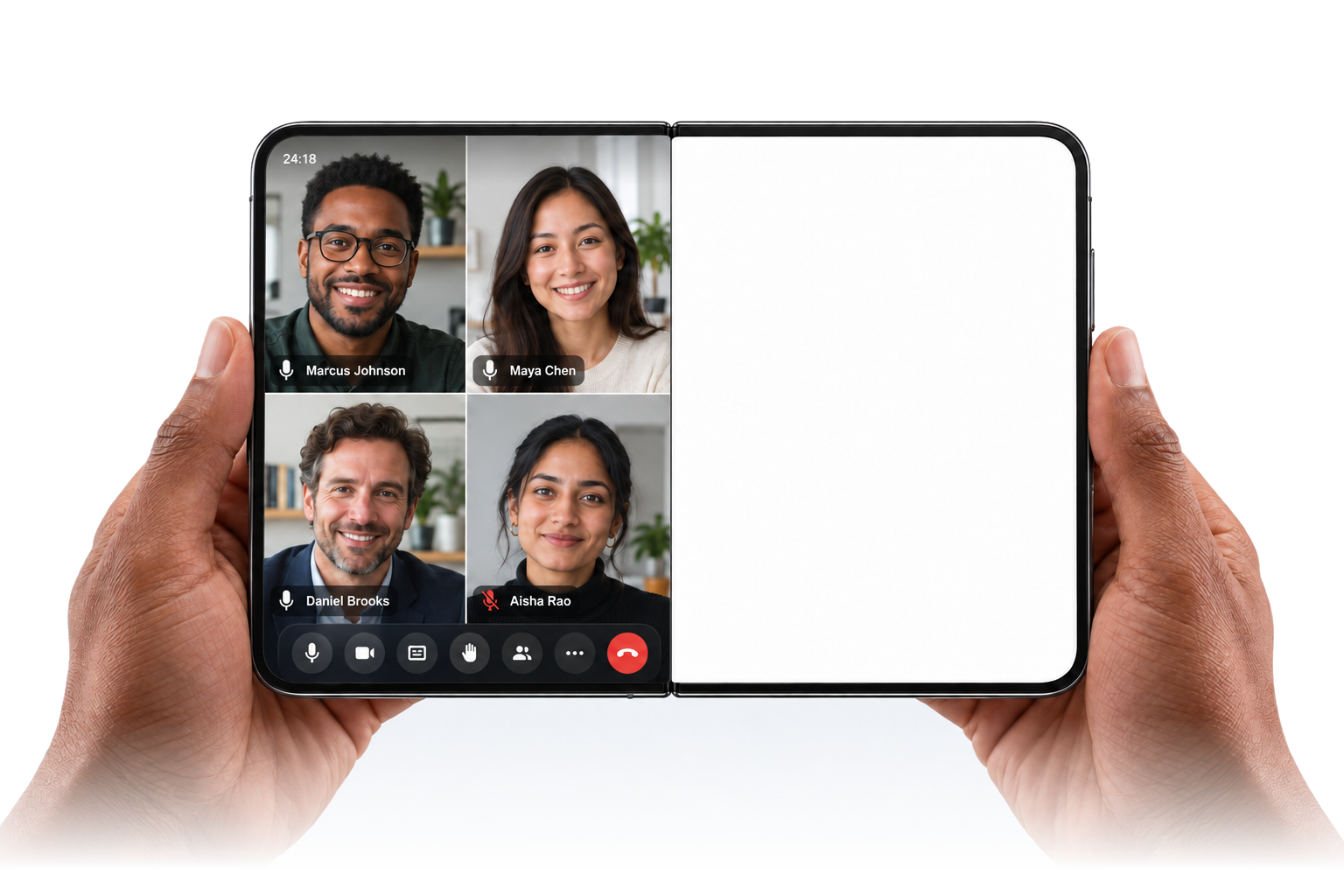
Used by people at
Individuals at these companies use Loominote in their day-to-day work.
Built for your meetings — and everything else you capture
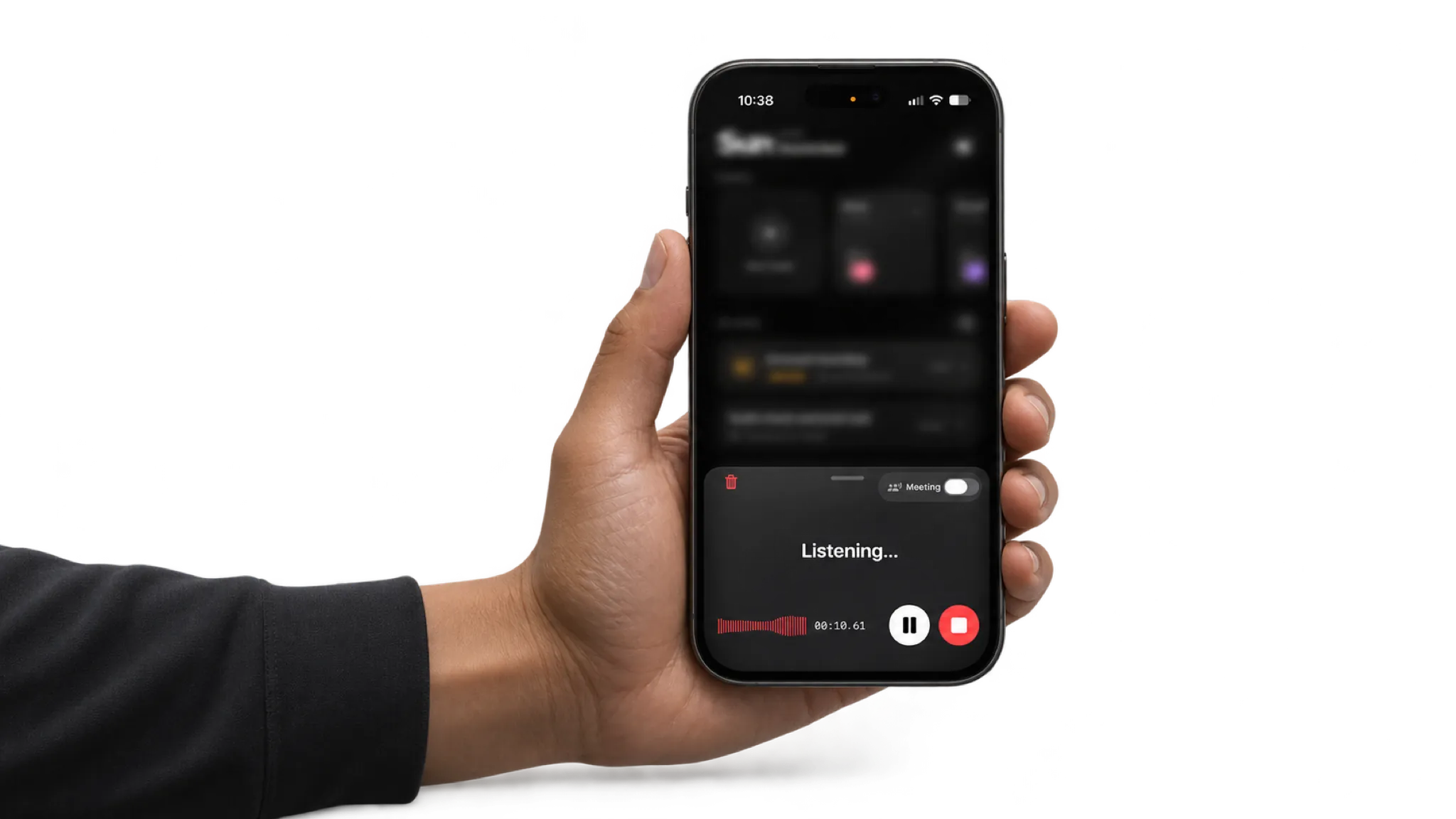
In person or online, on your device — no bot joining the call. (Voice notes, PDFs, scans and YouTube links work the same way.)
Loominote transcribes the meeting and writes a clear summary with the key points and decisions.
Search and ask across every meeting and note — and turn any one into a mind map, quiz or flashcards.
Action items, scheduled tasks and drafted replies — so the work from the meeting actually happens.
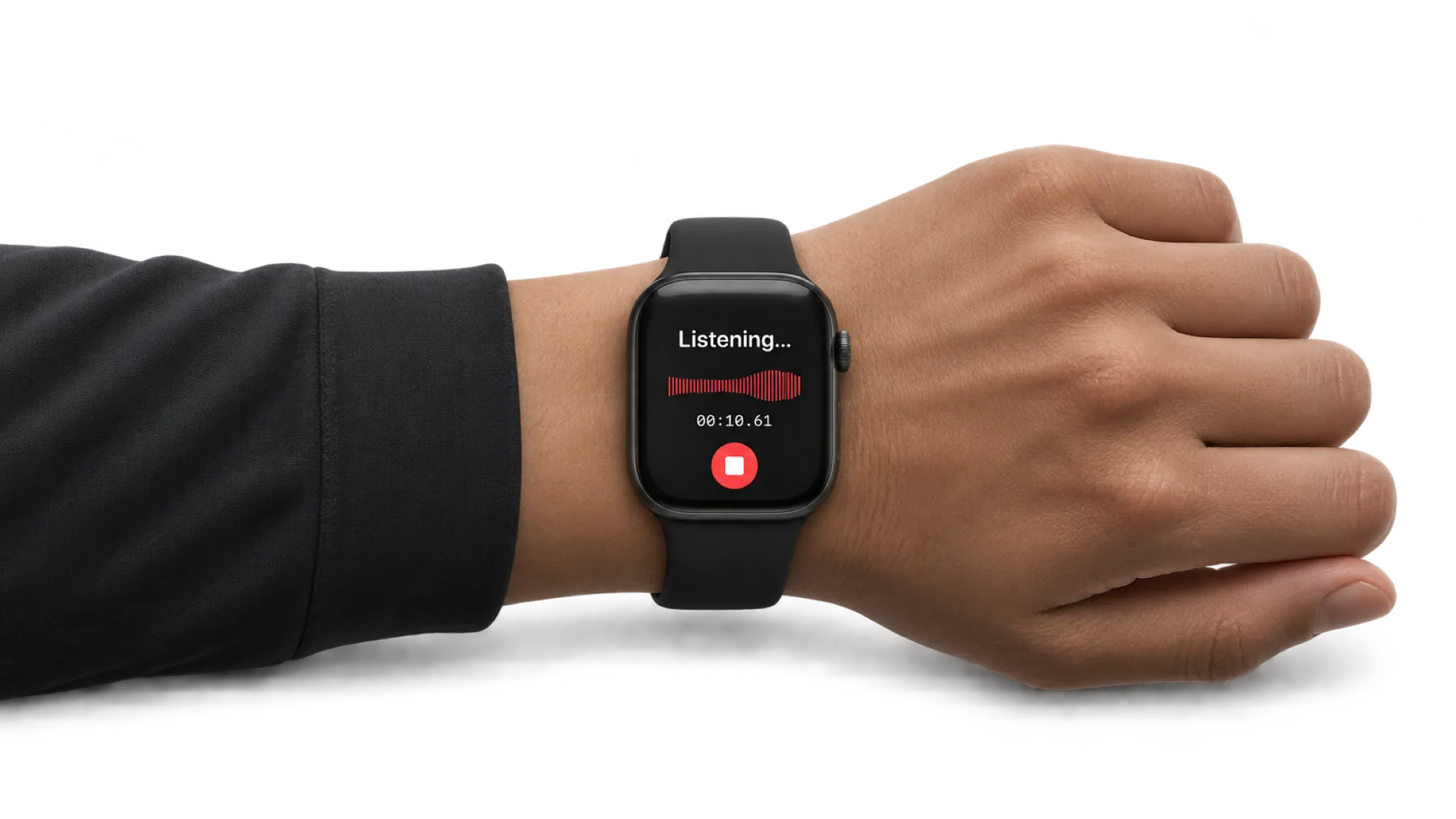
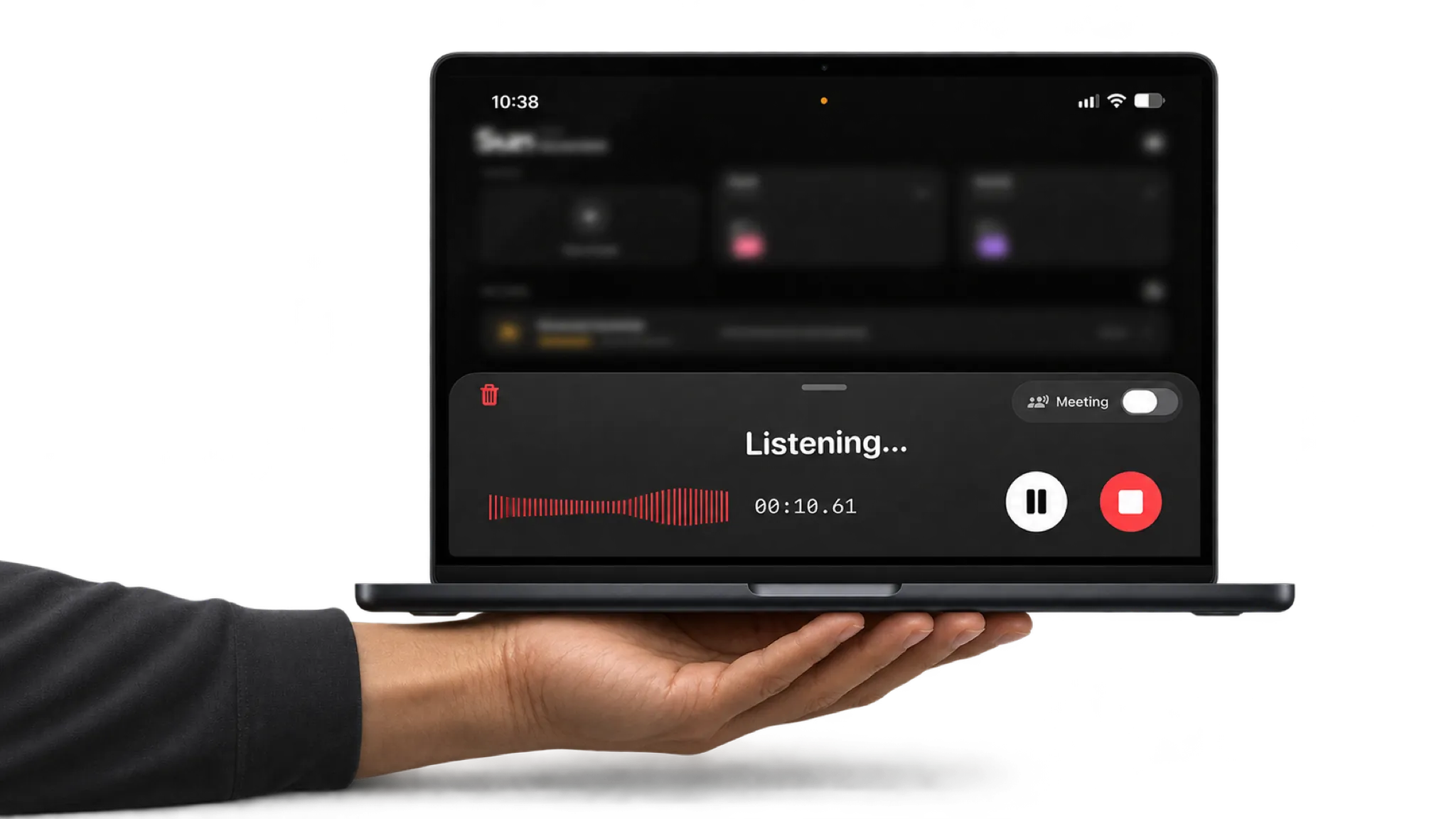
Record a meeting on your iPhone, catch a follow-up thought from your wrist, review the summary on iPad — it all syncs. Native on your Apple devices today, with more on the way.
Otter, Fireflies, Fathom and Granola give you a cleaner transcript and a summary. Loominote reads the meeting and turns it into action — action items, scheduled tasks and drafted replies, done before you've left the room.
Follow-up draft
To Maya: Thanks for today — here's the brief. I've booked the design review for Thursday at 10 and I'm chasing pricing sign-off now.
Loominote finds every commitment in what you captured and lists it — no scrubbing the transcript.
Turn an action item into a scheduled task or reminder in a tap, so it actually lands on your day.
Get a ready-to-send follow-up written from the notes, so the reply is done before you've left the room.
Loominote turns a single recording — a meeting, or a voice note, PDF, scan or YouTube link — into a summary, your action items, scheduled tasks, a drafted follow-up and study material.
The same capture-to-done engine runs on your voice notes, PDFs, scans and YouTube links — and turns anything into summaries, mind maps, quizzes and flashcards when you need them.
Record meetings, lectures or voice memos; Loominote transcribes and summarizes them.
Start a voice recording straight from your wrist; it syncs to iPhone and iPad.
Scan handwritten or printed pages and turn them into structured notes.
Upload a PDF and get a clear summary and key points.
Concise summaries with decisions and key takeaways.
Pull the to-dos out of a conversation automatically.
Turn action items into scheduled tasks with reminders.
Draft a follow-up email from a note; you review before sending.
Chat with your notes to surface decisions and next steps.
Turn a note into a mind map to see connections at a glance.
Generate quiz questions from a note to test understanding.
Turn notes into flashcards to review key concepts.
Translate notes into other languages.
Repurpose a note into social posts or a blog draft.
Diarization labels who said what in a recording.
Summarize a YouTube video into notes and key points.
Let a Loominote bot join and capture your online meetings — or record in person, no bot required.
Thousands of captures a day turn into summaries, action items and follow-ups — here's what that feels like in real life.
“I always had a habit of not taking notes during meetings and then forgetting important points later. Loominote actually fixed that for me. I just record and the app turns everything into clean summaries and action items without any extra effort. This is the first voice notes app that truly stayed in my workflow.”
Picon Kayal· IndiaApp Store
“It created action items just from my voice instantly and gave me an email template which I literally sent to my coworker. It also helped me deal with my ADHD. Crazy!”
StevenKing279· United StatesApp Store
“It turns voice notes into clear summaries and action items instead of leaving messy transcripts behind.”
Mewnich222· United StatesApp Store
“I take notes while walking, driving, and working out. If your brain moves faster than your fingers can type, it's definitely worth trying.”
BrooklynKid99· United StatesApp Store
“On days where I have so much on my plate and don't know where to start, I used to overwhelm myself and crash. Now I just say everything out loud and it gives me a priority list I can work through — so I actually get things done.”
Gabismeinung· GermanyApp Store
“Best app for ADHD, note taking and following up with tasks. The app I didn't know existed.”
Madeline279· IndiaApp Store
“Easy to use UI and good design. Friendly pricing too. What sealed the deal for me was the voice memo functionality — fast and accurate. Highly recommended.”
shiuan503· United StatesApp Store
“I record my thoughts and things I need to do at the end of the work day and the app creates a bullet-point plan for the next day.”
Nickname_not_taken!· FinlandApp Store
“I was blown away by how much I can do from a simple voice note — I generate captions for Instagram, X and LinkedIn straight from my thoughts. My second brain.”
Pinkypanther345· United StatesApp Store
“I've tried lots of note taking apps and this is my favorite. You can tell the creators actually use it themselves.”
bart_sivart· United StatesApp Store
Featured on
Begin capturing, transcribing and summarizing at no cost.
$0
No card required
The full feature set — the whole Act loop.
$8/month
Billed $95.99 / year
One subscription works across iPhone, iPad and Apple Watch.
Your content is never used to train AI models, and it's encrypted in transit. You stay in control of what you capture.
Honest, sourced comparisons with the AI note takers people weigh it against.
On-device Apple capture vs. bot-based meeting notes.
See the comparisonA personal Apple-native note taker vs. a team meeting bot.
See the comparisonCapture anywhere on Apple vs. a free bot for online calls.
See the comparisonApple-native across your devices vs. a Mac-first notepad.
See the comparisonTwo Apple-friendly note takers — privacy-first, with tasks & study tools.
See the comparisonApple-native capture vs. a translation-first transcriber.
See the comparisonCapture anywhere on Apple vs. an online-meeting recorder.
See the comparisonOn-device Apple capture vs. a meeting bot with analytics.
See the comparisonYes — that's what it's built for. Loominote records the meetings you're in, in person or online, on your device, with no bot joining the call. It transcribes them, writes a summary with the key points and decisions, and pulls out the action items. It also handles voice notes, typed or pasted text, scanned pages, PDFs and YouTube links the same way.
Most meeting tools stop at a transcript and summary. Loominote takes the next step — it pulls out your action items, lets you schedule them as tasks, and drafts the follow-up, so a meeting actually turns into the work getting done. It's also Apple-native and records on-device without a bot.
Loominote is native on iPhone, iPhone Duo, iPad and Apple Watch today. A web app, a Mac desktop recorder and Android are coming soon.
Loominote is free to start — you can capture, transcribe and summarize at no cost. Loominote Pro includes the full feature set at $14.99 / month or $95.99 / year (about $8 / month billed yearly).
Your content is never used to train AI models. AI processing uses a mix of on-device (Apple), in-house and leading third-party models (OpenAI's Whisper and GPT), and your content is encrypted in transit and processed only after you consent in the app.
You can start on the web and sign in at web.loominote.app, and download the app for iPhone, iPad and Apple Watch for on-the-go and on-device capture. The web app is launching soon.
Loominote for Teams prepares everyone before meetings and writes outcomes back into the tools your org already runs.
Start free on the web, or download the app for iPhone, iPad and Apple Watch.
4.989 ratings on the App Store